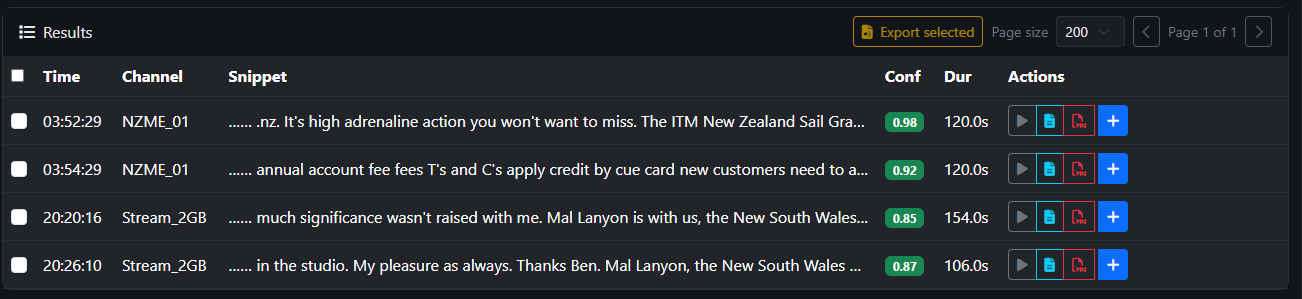
Navigating the search results
Once you have found what you are looking for you have a number of actions that can be performed:
- Preview the Audio
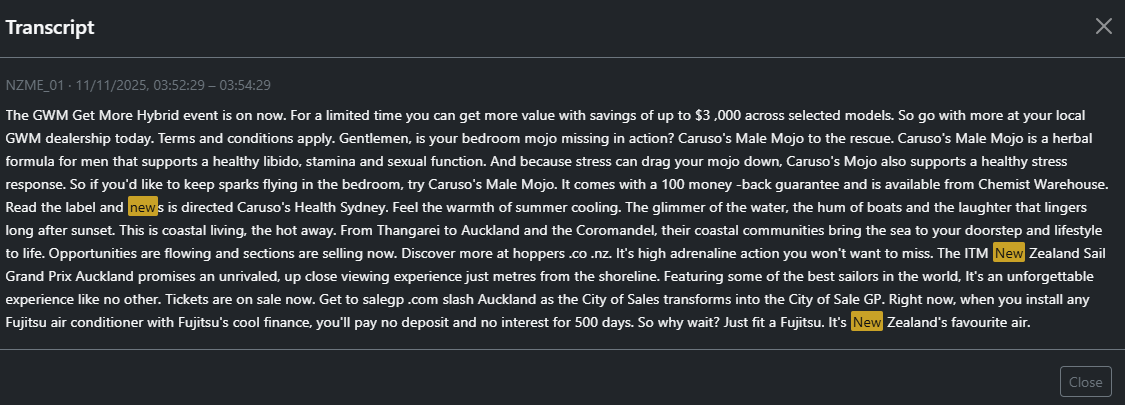
- View the transcript
- Export to PDF
- Add to Selection (This ticks the selection box which allows for the export of multiple segments)
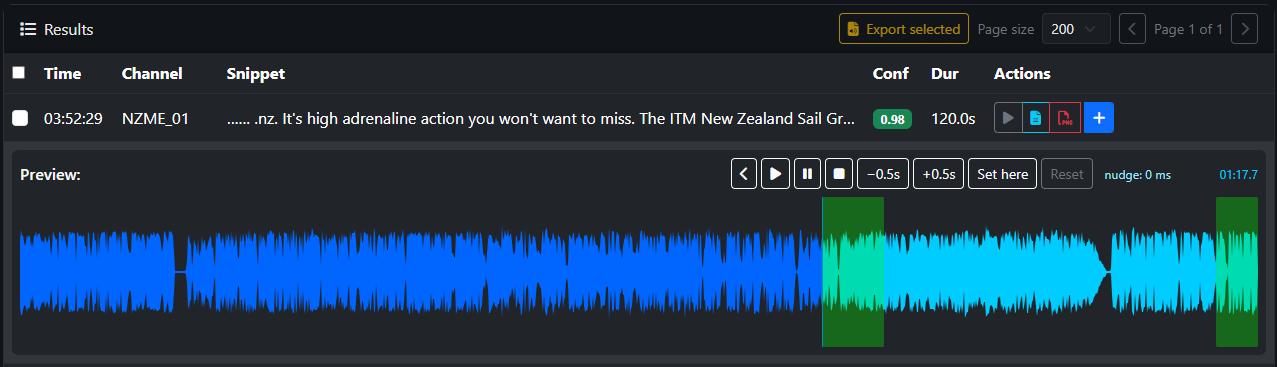
Audio Preview
Select the play icon in the action column
- Areas where the word searched on appear as Green segments.
- Pressing play will allow you to listen to these segments.
- If the search has found multiple results, all will be shown and may overlap
Transcript View